Data & AI platform by Data Analytics
MCP for business data: define which context and tools AI may use
For technical decision-makers, MCP is primarily an architectural question: what information and actions do you expose to an AI client, and under what conditions? The protocol does not automatically make your data suitable, nor does it determine which model you use. ENABLE, the Data & AI platform from Data Analytics, connects and structures reliable data for controlled dashboards, analysis, and developing and sharing apps and AI. Data Analytics supports setup and management; a specific MCP route requires agreement on clients, tools, permissions and processing.
The examples on this page are hypothetical situations, not customer cases.


Meet our team

01
Separate the data foundation, protocol and model
The data foundation contains the connections, structures and definitions an application relies on. This is where you determine how customer numbers align and what recognised revenue means, for example. MCP can then provide an interface through which a suitable AI client accesses context or tools. It does not replace an integration process, data model or data quality checks.
The model processes the supplied context and may formulate an answer or tool request. For clients such as Claude or Codex, assess support, configuration and the permitted usage route separately. A client's name does not establish what data is available or what execution rights your setup allows.
02
Design the route from question to controlled result
First describe how a user's question maps to available context. Where appropriate, this is followed by a query or tool call with bounded parameters. The underlying execution must check the permitted scope and return a bounded result. Only then does the model use that output to propose an answer or next step.
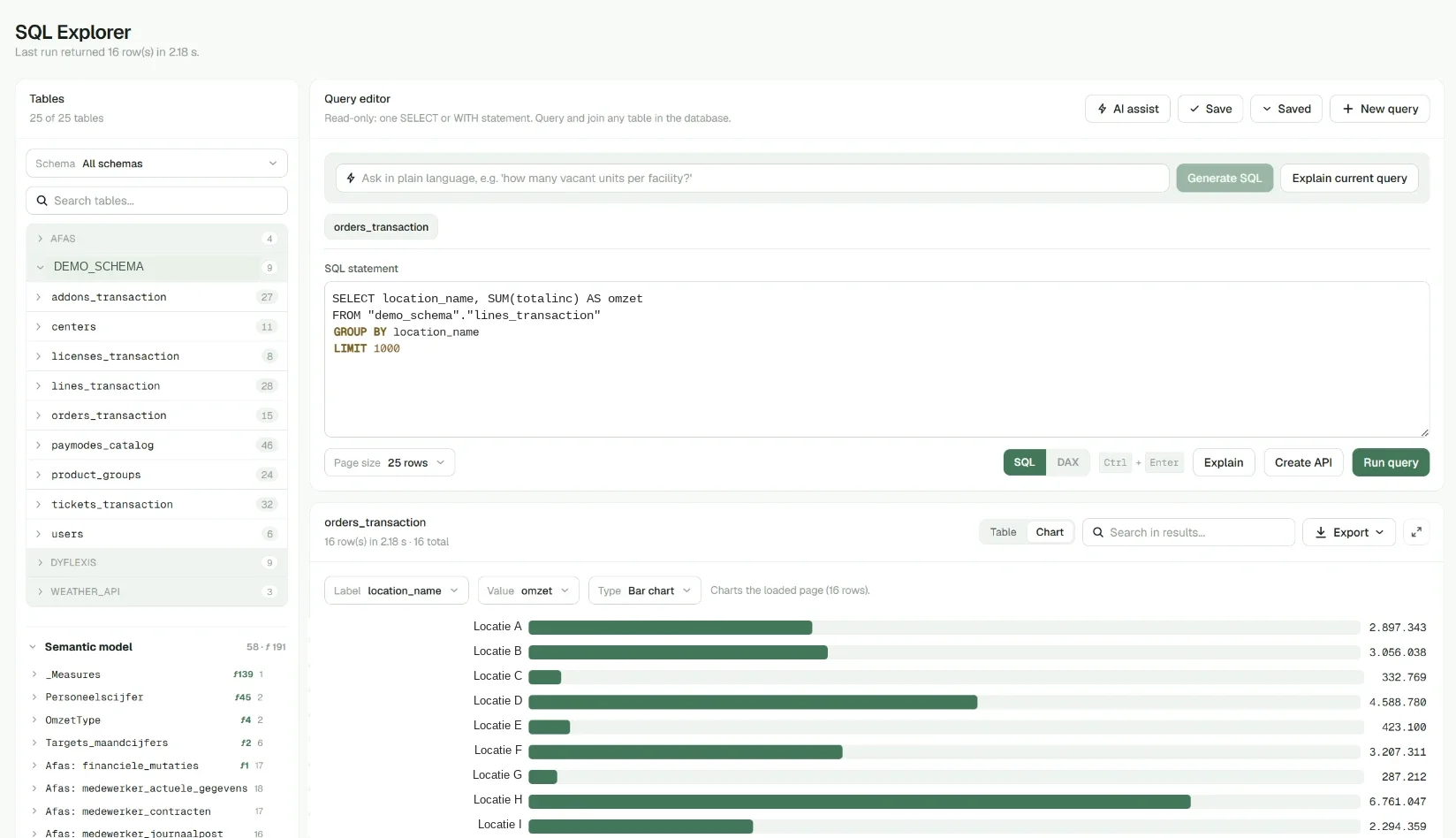
Example: a user asks for revenue by product group in a closed quarter. A purpose-built tool accepts the period and relevant selection, retrieves permitted data and returns the calculation with context. This differs from allowing a model to execute unrestricted SQL against your entire production environment.
03
Limit data and permissions per application
For each tool, make clear which task it supports, which parameters are valid and what information it returns. Do not pass full tables by default when an aggregate is sufficient. Also consider limits on periods, record counts and detail levels. These choices must fit both the question and the user's role.
Enforce authorisation in the underlying execution; do not rely solely on an instruction to the model. Define how user identity and tool permissions relate, and test attempts outside the agreed scope. Even a technically valid call can be inappropriate if it exposes more customer or employee information than the task requires.
04
Treat write actions as a separate decision
Read access is not permission to modify data. If you are considering tools for write actions, separately describe their purpose, permissions and potential consequences. Require explicit permission for the intended action and define when human review is needed. A general request for help is not a specific instruction to make a change.
Example: a model may draft a proposed customer note, but saving it is a separate action. Have the user check the content and target customer before an authorised execution route is called. Also discuss how repeated requests, partially failed actions and recovery are handled before making this function available.
05
Make processing and monitoring explicit
MCP does not determine that processing stays local. A local LLM is a different choice from an external AI service receiving business context through MCP. An external service may process data outside your environment, depending on product choice and configuration. Assess what information each step receives and which conditions apply.
For management, agree which calls, errors and anomalies you monitor, who reviews signals and how long relevant records are needed. Avoid unnecessarily capturing complete sensitive results in monitoring. Data Analytics helps align the data foundation and management arrangements around ENABLE with the chosen application and architecture.
Frequently asked questions
Is MCP the same as a connection to your ERP?
No. An ERP connection can retrieve data for your data foundation. MCP can expose context and tools to an AI client. Transformations, definitions and access checks may sit between them and require separate setup.
Can every AI client use the same tools?
That depends on support, configuration and permissions. Check which functions each client can use and how identity and consent are handled. Availability for one client does not establish general compatibility with every other client.
Does MCP always keep business data inside your environment?
No. The protocol does not establish that. The chosen client, model and processing route determine where context goes. Assess external processing explicitly and limit supplied data to what the task requires.
Where does a technical assessment start?
Choose one read-oriented application and describe the question, data, tool contract and user permissions. Then test results, edge cases and unauthorised requests. Only after that assessment should you separately decide on expansion or any write actions.
Discuss your question with Data Analytics
Which sources, users and checks does your application need? Discuss your question in an ENABLE demo.
Meet our team